
Simple, secure and paper-free

A quicker way to share what we need.

Open Banking securely shares your income and spending from your bank — like a digital bank statement, without the paperwork.

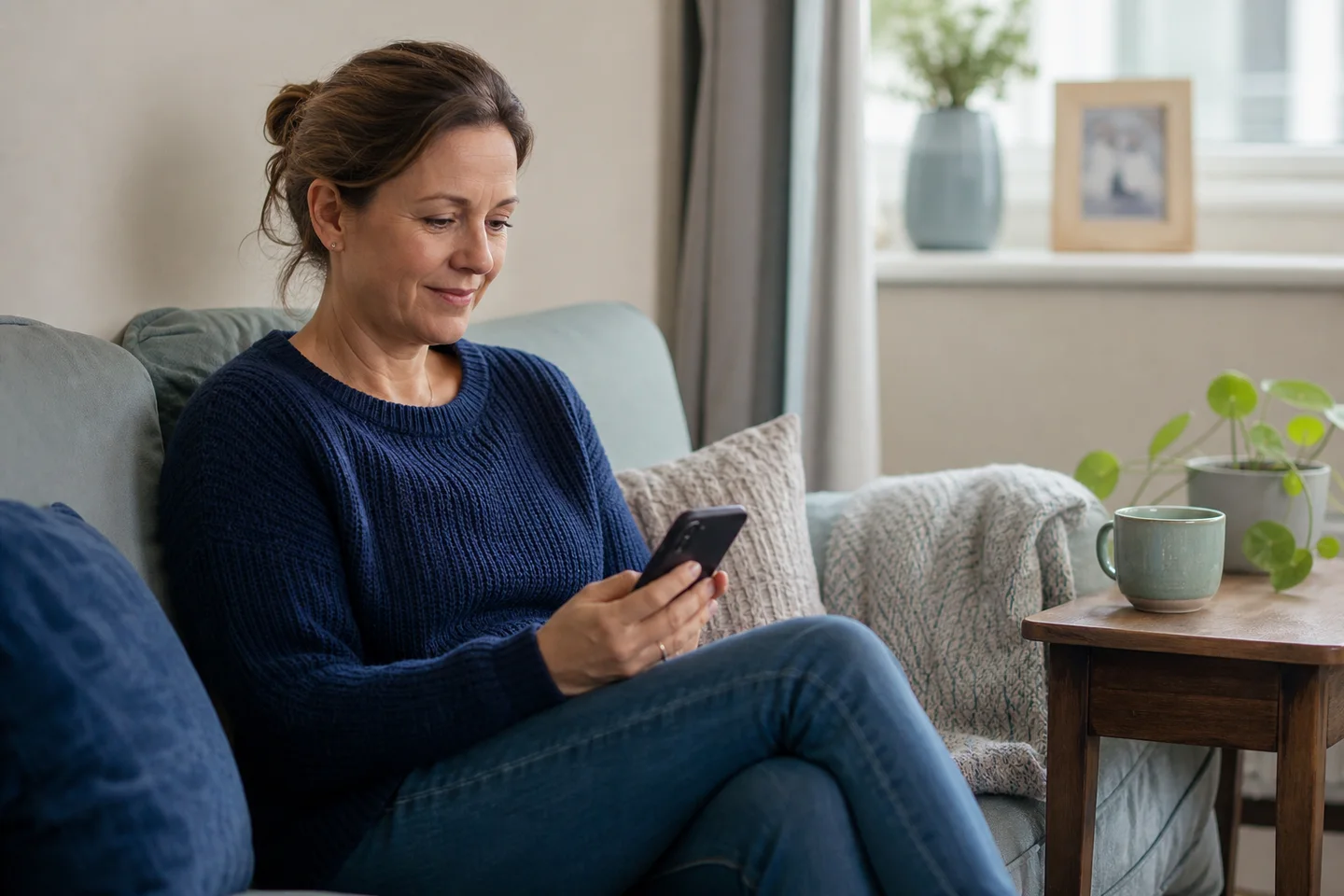
A customer securely using Open Banking from her phone at home
Securely connected from your own phone.

What you do

Three simple steps on your phone.

Open Banking lets you securely share the account information we need to understand your income and spending. It is all done from your phone, without the paperwork.

  1. Choose your bank

    Fairwood sends you a secure Open Banking link. Open it and choose the bank you want to connect for your application.

  2. Sign in with your bank

    Your bank asks you to sign in and confirm it is you. Fairwood never sees your password.

  3. Approve sharing

    Check what will be shared, then approve it securely with your bank.

A customer comfortably using her phone at home

Why Fairwood asks

It helps us make a fair decision.

The information you share helps us understand your regular income and spending, so we can check whether the repayment looks manageable. Choose your bank and approve the information needed for your application. Nothing is shared with Fairwood before you agree.

Good to know

You stay in control.

What Fairwood can see

Fairwood receives a snapshot in time of the account information you approve for this application, so we can understand your income and spending. We do not have continued access to your bank account or monitor it afterwards. If we need an updated view later, we will ask you to authorise it again.

Your password stays private

You sign in securely with your bank. Fairwood never sees or asks for your banking password. Only the information you approve is shared.

A local agent can help

If you are unsure about any part of Open Banking, a local agent can explain where it fits into your application and what happens next.